


Running Google Ads should feel like steering a focused engine—not a slot machine. Yet many campaigns lose money because ads get triggered by close variants that look similar on paper, but don’t align with what buyers actually need. If you’re seeing “why are we getting clicks but not results?” moments, this guide will help you Stop Draining Money on Irrelevant Close Variants using a practical, data-led workflow built around search term performance.
What We Learned Running This Type of Campaign
In our work across PPC accounts, one pattern shows up repeatedly: budget leakage rarely comes from the obvious mistakes. Instead, it comes from the “almost right” queries—those that are close enough to your wording to get matched, but not close enough to generate buyers. When we audit a campaign that feels healthy on the surface, we often find that a meaningful portion of spend is being allocated to queries that won’t convert, even if they look relevant at first glance.
That’s where Stop Draining Money on Irrelevant Close Variants becomes less of a slogan and more of an operating system. We stop guessing and start forcing the account to prove relevance through measurable outcomes. The result is simple: we keep the budget moving toward searches that earn conversions, not just clicks.
To ground the discussion, let’s first align on how Google Ads performance can be influenced by how your ads match search activity.

Understanding Irrelevant Close Variants in Google Ads
Close variants are search queries that are similar to your target terms but don’t fully match your offer, intent, or qualifying criteria. Google Ads is designed to capture variation, which is a strength—until your campaign expands into queries that create traffic you can’t monetize.
When irrelevant close variants start driving spend, you usually see consequences across multiple layers:
- Higher costs from wasted clicks: If the queries attract visitors who aren’t your ideal customer, your CPC can remain high without performance payoff.
- Lower conversion rates: Even if you have decent traffic volume, the mismatch shows up as weak lead quality or fewer purchases.
- Misleading early signals: You might see activity in the short term, then performance falls off as the budget compounds the wrong audience.
So how do you spot it quickly? Start by looking at your search term report and ask a simple question: “Do these queries actually match what a buyer is trying to do?” If the answer is “sometimes” or “not really,” you’re likely dealing with close variants that aren’t aligned with your business outcomes.
For advertisers who want to reduce budget volatility, it also helps to pair your keyword hygiene with cost controls. If you’re currently spending freely until results show up, consider this approach: google ads tip 1 never run good ad without a cost cap. It’s a strong complement to cleaning up irrelevant close variants.

Why This Budget Drain Feels Invisible
One reason irrelevant close variants are hard to stop is that they don’t usually “look wrong” in the way spam traffic looks wrong. The queries resemble your target wording, so they can trigger ads, and you might even receive clicks quickly. The problem is what happens after the click—whether users take the actions you care about.
When budget is pulled into non-converting or low-converting queries, the campaign can still report activity. That activity can be deceiving because it makes the campaign look busy instead of unprofitable. You only feel the damage once spend accumulates, at which point optimization becomes harder due to the sheer volume of affected queries.
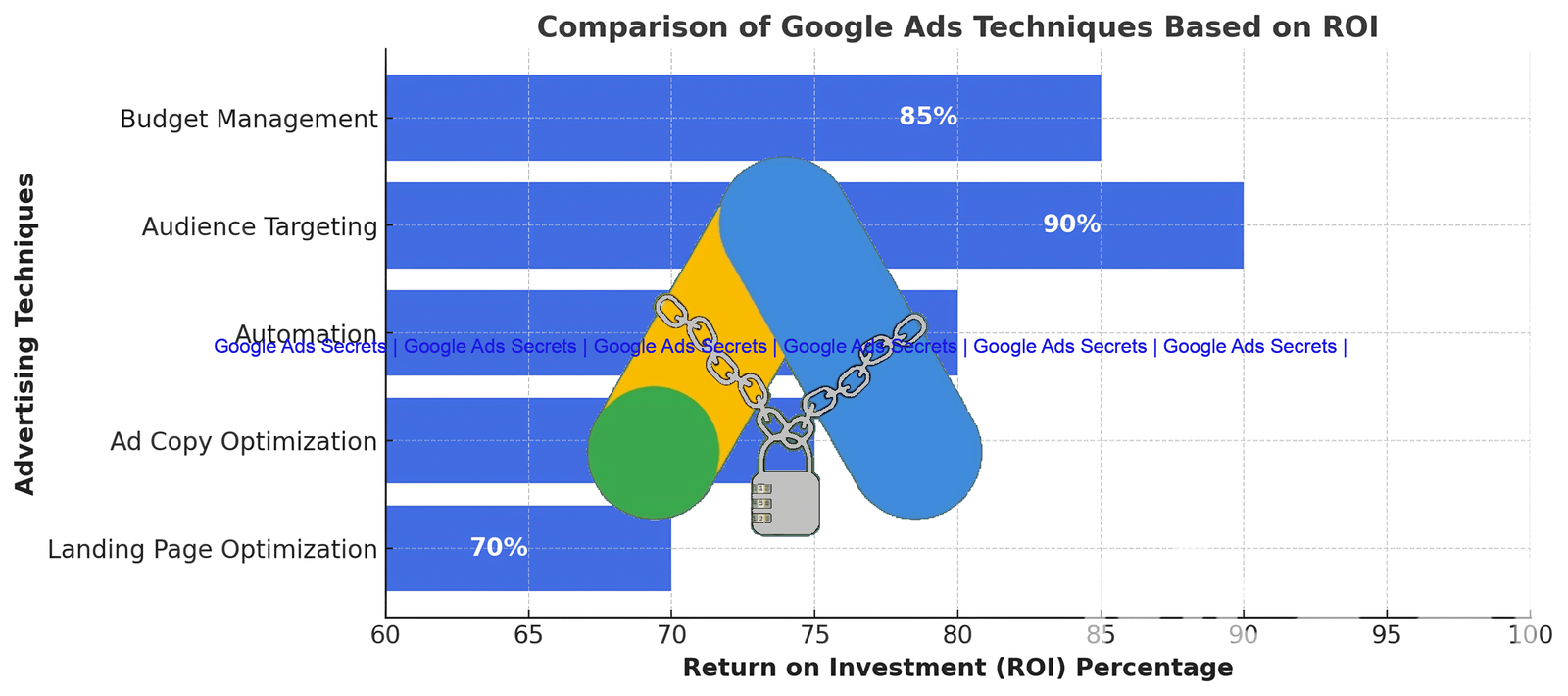
That’s why visualizing the impact matters. In accounts we’ve reviewed, performance losses often show up as declining efficiency metrics and ROI pressure as the wrong queries continue to generate spend.
The Miracle Script: A Game-Changer for Your Campaign
If you’re tired of watching your budget go to waste on irrelevant clicks, a structured solution can change the game. The miracle script—available for $29.99—is built to automatically identify and exclude close variants that aren’t earning conversions.
Instead of waiting for a manual review cycle, the script analyzes search term performance signals and then updates your targeting to stop low-value queries from continuing to trigger ads. Think of it as a feedback loop: if a query consistently fails your conversion criteria, it’s removed from the traffic path.
This is how Stop Draining Money on Irrelevant Close Variants becomes measurable. You’re no longer relying on intuition; you’re enforcing relevance using outcomes that matter to your account. When the script filters out irrelevant traffic, you typically see:
- Fewer wasted clicks: Spend shifts away from queries that can’t perform.
- Higher quality engagement: Because the remaining traffic better matches your offer, conversion rates can improve.
- More efficient learning: With less noise, your campaigns make better decisions with the remaining budget.
For advertisers looking to broaden their optimization mindset, it’s also useful to study proven marketing frameworks from established experts. You can explore performance ideas from Moz and strategic tactics from Neil Patel.
Metrics That Matter When You Want to Stop the Leak
To manage budget leakage, you need to watch metrics that reveal whether you’re attracting the right users. Here are the indicators we use most often when building an approach to Stop Draining Money on Irrelevant Close Variants.
- Conversion Rate: When irrelevant close variants enter the mix, conversion rate usually drops. A single weak query can suppress performance across the impression share it consumes.
- Cost Per Click (CPC): High CPC without conversions is a classic sign of wasted spend. If your CPC is rising while conversion rate falls, the problem often sits inside search terms.
- Quality Score: Google Ads quality signals can improve when your ads and landing pages consistently align with the queries that trigger them. Filtering out non-relevant close variants often helps reduce friction and improve relevance.
- Return on Investment (ROI): ROI is the scoreboard. Even if metrics like CTR look fine, ROI will expose whether the traffic is profitable after accounting for cost.
If you want to strengthen how you evaluate audiences and budget allocation, connect your keyword cleanup with smart account setup. For example, you can also test measurement and targeting structure using google ads tip 2 audience observation zero cost tremendous benefits. It’s a practical way to learn which segments behave well—without paying extra just to gather insights.

How to Audit Search Terms Efficiently
When we audit for irrelevant close variants, we don’t treat every query equally. We group them by whether they earned conversions, what the click quality appears to be, and how closely they match the actual buying criteria. A fast workflow looks like this:
- Pull the search terms report for the date range where you’re seeing budget waste.
- Sort by spend to find the queries consuming the most budget with the weakest results.
- Compare intent to outcomes (did the query produce conversions, leads of sufficient quality, or purchases?).
- Exclude or refine the variants that don’t meet your conversion thresholds.
- Re-check performance after changes to confirm the spend shift and ROI improvement.
This workflow is the reason Stop Draining Money on Irrelevant Close Variants is achievable. You’re not trying to stop every mismatch forever—you’re preventing non-performing queries from repeatedly siphoning your budget.
In the next section, you’ll see an example of how ROI calculations and decision-making can be visualized for better clarity.

Implementing the Miracle Script (Without Overcomplicating It)
Installing an automated solution should make your life easier—not introduce complexity. The script approach is designed to continuously monitor your search term report, identify close variants that don’t produce meaningful conversions, and exclude them so your ads stop showing for those queries.
Here’s what the process typically feels like in practice:
- Set the rules once so the script knows what “non-converting” means for your account.
- Let automation do the repetitive work that would otherwise take hours of manual review.
- Review outcomes periodically to ensure exclusions align with your business goals (for example, if conversion tracking is new or evolving).
- Iterate by adjusting the criteria as your campaign matures.
Why this works: when you remove irrelevant close variants, you reduce noise and create a cleaner learning environment for your campaign. That often supports improved performance signals, including lower CPC and stronger ad placements over time.
Important warning: Before relying on any exclusion automation, verify that conversion tracking is accurate and that you’re optimizing toward the right conversion actions. If conversions are underreported or misconfigured, the script may exclude queries you actually need. Always confirm measurement first.
If you want additional guardrails for campaign decision-making, remember that ad platforms can surprise you. A helpful reminder is in google ads tip 3 google ads fools you, which is a good mindset check when results look “good” but profitability isn’t matching.
Pro tip: Pair automation with a manual “spot check.” Every week, scan the top-spend queries after exclusions to make sure the remaining search terms still match your offer clearly. This keeps Stop Draining Money on Irrelevant Close Variants from turning into a blind automation loop.
Conclusion: Build a Campaign That Protects Your Budget
Stop letting close variants quietly drain your budget. When irrelevant queries trigger your ads, you pay for clicks that don’t convert and you lose ROI even if the campaign looks active. The path to better performance is straightforward: monitor search term behavior, exclude non-converting variants, and automate the repetitive cleanup so you can focus on strategic improvements.
By using the $29.99 miracle script and following a disciplined audit routine, you can Stop Draining Money on Irrelevant Close Variants, improve conversion efficiency, and keep your budget working toward measurable outcomes. Take action today—your next conversion (and your next ROI win) depends on what you allow to trigger your ads.

Frequently Asked Questions
1) What are irrelevant close variants in Google Ads, and why do they trigger my ads?
Irrelevant close variants are search queries that resemble your target terms but don’t fully match the intent or qualifying criteria behind your offer. Google Ads may still match and trigger your ads because it’s designed to capture variations in language and phrasing. The issue happens when those “similar” queries bring visitors who don’t convert, turning your budget into wasted spend. Over time, the cost compounds if you don’t exclude or refine them.
2) How do I know whether close variants are hurting my ROI (not just my conversion rate)?
Start by checking where profit breaks down. If your conversion rate drops while spend remains high, ROI will almost always suffer. Then look at CPC and overall cost per conversion: if you’re paying more per result than your target tolerance, that indicates the traffic quality is slipping. Finally, compare performance before and after you exclude low-performing queries. When the exclusions remove spend from non-converting queries, you should see cost per conversion stabilize or improve—this is a direct sign that ROI is being protected.
3) Is automation (like a miracle script) safe to use, and what should I verify first?
Automation can be very effective, but it’s only safe when your measurement is accurate. Before you run an exclusion script, verify conversion tracking, confirm your primary conversion action is correctly configured, and ensure your account can reliably attribute conversions to the right interactions. After the first run, spot-check the top-spend search terms to confirm that excluded queries are truly non-performing. When those checks look good, automation becomes a scalable way to Stop Draining Money on Irrelevant Close Variants without spending hours on manual reviews.