If you are running a project and want real results without burning your budget, then Free Google Ads might be your turning point. Through the free Google tools available, you can enhance your business visibility, increase the odds of reaching customers, and build ongoing trust over time.
Practical Experience: Key Takeaways from Managing Free Google Ads Campaigns
When we started implementing projects based on Free Google Ads, we noticed that success does not come from simply “activating a tool”, but from the daily work approach: data unification, content optimization, and careful monitoring of what happens on your business page or product listings or organic results. Importantly, what seems “free” requires discipline in details such as image quality, completeness of information, and responsiveness to evaluations and requests.
We also learned that the connection between what appears to the customer and what they encounter on your site or business page is the deciding factor. If the offer on Google is clear but the landing page does not answer questions or facilitate communication, many opportunities will be lost even if the visibility is free.
What are Free Google Ads and How are They Actually Used?
The concept of Free Google Ads refers to promotional methods based on Google platforms and account settings that do not require direct payment for each impression, unlike traditional advertising campaigns. Practically, you will benefit from the visibility of your business through elements such as: the business profile on Google, product listings in Google shopping environments, as well as supporting visibility through results related to improving content quality and user experience.

In practice, don’t just think about “where you will appear”, but think about “how the customer will decide to buy from you”. For this reason, we always focus on consistency between the information in your business profile, what your website or pages display, and how you respond to inquiries.
Types of Free Google Tools for Promotion (And When to Use Each One)
Choosing the right tool saves time and gives you a clear path. Based on our experiences, these are the most effective paths when aiming to appear at the least possible cost within the framework of Free Google Ads.
- 📍 Google My Business: Very suitable for local businesses that rely on visits or direct communication, because the customer often searches for “near me” and prefers complete information.
- 🛒 Google Merchant Center: Benefits stores with multiple products that want to support their visibility within Google shopping environments based on display conditions.
- 🔍 Organic Visibility via Google Search: Does not happen with a single “button”, but is linked to the quality of your pages, clarity of content, and user experience, allowing your site to appear increasingly over time.

Our advice here: Start with what serves your business model. If you are a local service, your business profile is usually the quickest way to reduce waste and increase call opportunities. And if you are a store, focusing on products and structured data is more fruitful.
How to Set Up “Free Google Ads” Step by Step
To turn the idea into clear execution, here is the workflow we usually apply when building free or semi-free visibility through Google platforms under the concept of Free Google Ads.
- Start by configuring your business data: name, address, phone number, business hours, and appropriate category. Any mistake here will affect customer trust.
- Activate your Google My Business profile if your business is local: add recent photos, a clear description of the service, and easy communication links.
- If you are a store: prepare product data through Google Merchant Center in accordance with display conditions, as completeness aids in reducing rejection or visibility issues.
- Improve the landing page or service page: make it easy for the client to find “What do you offer? How long does the service take? How can they contact you?” without distractions.
- Monitor what happens weekly: Watch for changes in visit numbers, inquiries, and connection requests, then adjust based on results.
To enhance the practical aspect of how offers are presented within Google platforms, you may find it beneficial to check out Google Ads Tip #1: Don’t Run an Ad Campaign as it helps you make your messages clearer even when the starting point is “free”.
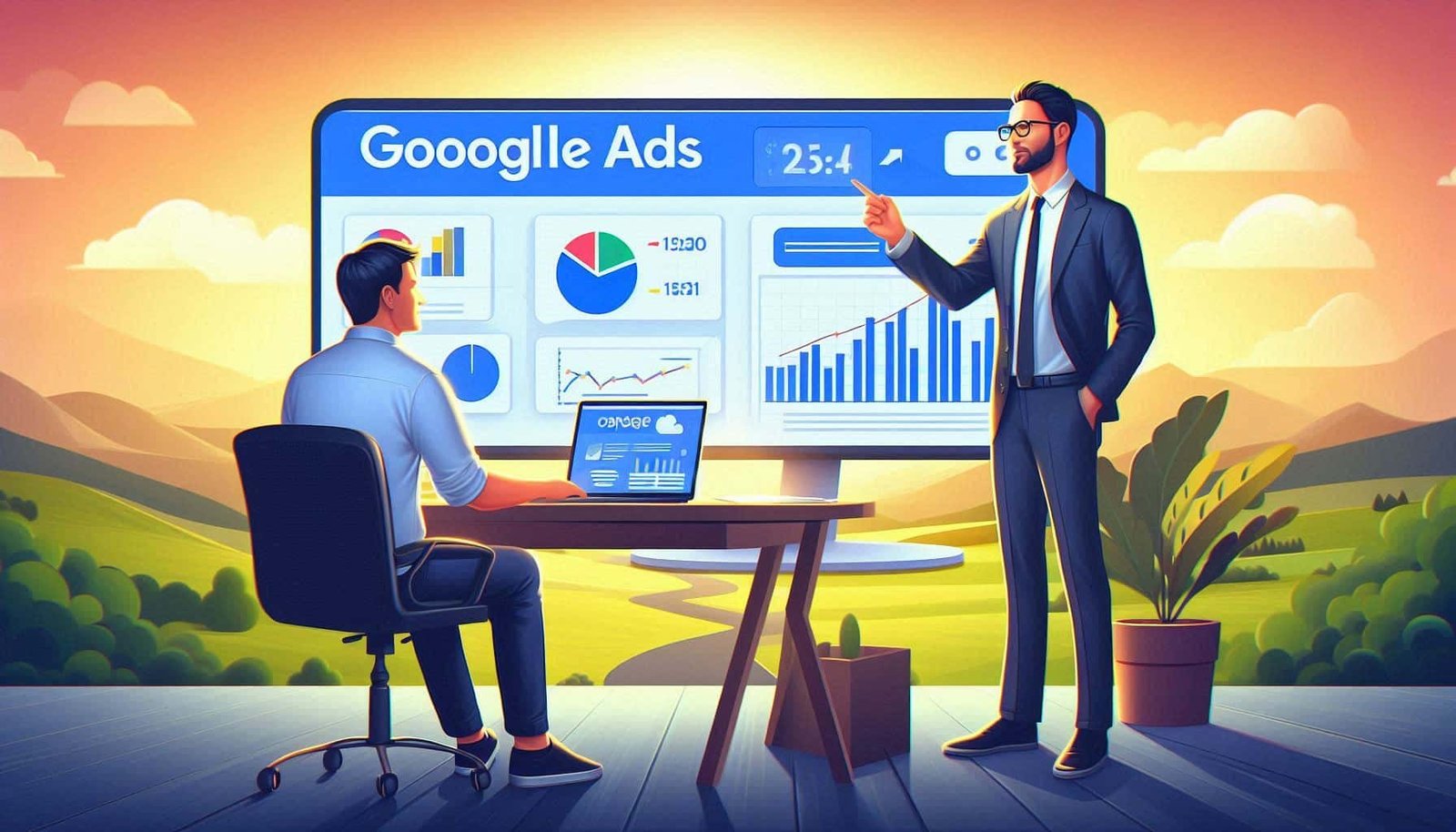
When the data aligns with the content of your site and you respond to customer inquiries quickly, you will see that free visibility converts into higher-quality visits.
Managing and Improving Performance: How to Measure and Optimize Results of Free Google Ads?
The real challenge is not “activation”, but maintaining and improving performance. We divide optimization into three axes: content quality, response speed, and measuring what happens.
1) Content Quality and Consistency
Any missing details in your business profile, or unclear descriptions on the service page, will reflect on user decisions. Stick to direct phrasing, real images if possible, and add information that removes confusion: service duration, location, and what makes you unique.
2) Response Speed
If a customer comes from Google results, your response within a short time increases conversion chances. Therefore, we always recommend preparing ready-to-use response templates for common questions and updating them according to the types of inquiries.
3) Measurement and Continuous Improvement
Even in cases where you are not paying for each impression, you still need to understand the pathway. Use analytics tools to identify which pages bring in visitors, then monitor whether conversions are occurring (call, message, request form).
For this aspect that helps you build better targeting within the advertising ecosystem, you might be interested in Google Ads Audience Observation Benefits as it explains how thoughtful observation can enhance reach quality even when the start is not fully paid campaign.
Professional Tip: Make the headline of your offer on any page linked to your business profile or products concise and clear, then repeat the same “service promise” in different wording within the description. Consistency increases user trust and reduces the bounce rate after the first second.
Common Mistakes in Free Google Ads and How to Avoid Them
- ❌ Ignoring updates to hours of operation or phone number: This leads to loss of direct inquiries.
- ❌ Relying on low-quality or outdated images: Images are the first thing the customer believes.
- ❌ Sending the visitor to a page that does not answer their question: Make the page serve the same purpose as what appeared on Google.
- ❌ Not following up on results: Without regular review, simple issues will persist without resolution.
Important Alert: Do not assume that free visibility will continue automatically. Any change in business data, content quality, or product availability may affect visibility, so make monthly reviews a fixed habit.
If you need a faster way to organize your work and plan the content of your offers, you may also find Game-changing Lessons from 2024 helpful to understand how the nature of competition in displayed content and pages has changed, and how a single optimization decision can make a difference.
Conclusion: Make Free Google Ads a Part of Your Growth System
When Free Google Ads are implemented systematically, they transform from a “fleeting opportunity” to a replicable growth pathway. Start by preparing your business profile or product data, then focus on the quality of the display and page experience, and then evaluate the results weekly and adjust. This way, you will build more stable visibility and increase conversion opportunities without direct financial pressure.
Start today with one clear step: complete your business data, or review the linked service page, and make it easy for the client to communicate. Then gradually expand implementation until you achieve tangible results.
Frequently Asked Questions
Does “Free Google Ads” mean I will never pay for any advertising?
It does not necessarily mean “never pay”, but it means that part of your visibility comes through tools and platforms that do not require direct payment for each impression like traditional ad campaigns. You may later choose to expand results through paid ads, but the foundation can start free via the business profile, product listings, and support visibility through your site’s content.
How long does it take to see results when using Free Google Ads?
The duration varies based on data quality, updates, and competition level. Often, you may see gradual improvements after preparing the profile/products and modifying the linked pages, but some results take time to stabilize interactions and for the content to begin appearing more clearly. Therefore, the most important thing is continuous measurement and review instead of waiting for one immediate result.
What is the best free tool to start with if I am a small local business?
In most cases, we start with Google My Business because the local customer usually searches for address and nearby services, business hours, and communication. When the business profile is complete, updated, and images are real, the inquiry rate improves significantly compared to any approach that starts without clear local information.