


Google Ads Metrics help you spot what’s working (CTR, quality signals, conversion rate, ROI) and what’s hurting performance (rising CPC, low conversion rates, inefficient spend). Use the numbers to tighten targeting, improve ads and landing pages, and make bid and budget decisions with cost controls. We also share practical lessons from real campaign monitoring and a short checklist for turning data into better outcomes.
Google Ads Metrics can feel overwhelming at first—until you realize they’re basically your campaign’s dashboard for making smarter decisions. When you know which metrics to trust and how to connect them to real outcomes like conversions and ROI, you stop guessing and start improving results across campaigns, budgets, and ads.
What We Learned Running This Type of Campaign
When we manage PPC accounts, the biggest “aha” moment is realizing that no single number wins. We used to look at CTR alone. Then we looked at CPC alone. The accounts improved, but not as fast as they could. The real progress came when we started reviewing Google Ads Metrics as a system: how ad engagement leads to qualified clicks, how landing pages influence conversion rate, and how bids and costs ultimately shape ROI.
In practice, we saw the same pattern across search and display campaigns: you can get clicks without profitable conversions, and you can have a great conversion rate while still losing money if costs rise faster than conversion value. Once we combined these signals, campaign optimization became more predictable—especially when we used cost controls and landing page checks as part of the weekly workflow.
That’s why this guide focuses on the most actionable Google Ads Metrics: what each one tells you, what can go wrong, and what we do next.
Understanding Google Ads Metrics That Actually Matter
Google Ads Metrics provide performance visibility across the entire journey—from impressions and ad engagement to conversions and profit. For advertisers running PPC campaigns, the goal isn’t to collect data; it’s to interpret the data so you can allocate budget to the most valuable outcomes.
Here are the metrics we recommend you review regularly, because they connect marketing activities to business results:
- Click-through rate (CTR): A signal of ad relevance and messaging fit. High CTR often means the ad is compelling for the audience you’re targeting.
- Cost per click (CPC): A signal of auction pressure and competition. Even strong CTR can become expensive if CPC rises without improving conversion rate.
- Conversion rate: The bridge between traffic and outcomes. Conversion rate helps you understand whether clicks turn into leads, purchases, or other key actions.
- Quality score and ad rank-related signals: These influence how your ads are positioned and how much you pay in auctions.
- Return on investment (ROI) / conversion value: The final scoreboard. ROI shows whether the campaign makes financial sense after costs.
For most advertisers, “ad performance” isn’t just about clicks—it’s about whether clicks become measurable business value. That’s the context for everything else in your dashboard.

How to read metrics without fooling yourself
We’ve seen a common trap: reacting to a single metric spike. For example, CTR can drop after you tighten targeting, but conversions may rise and ROI can improve. Or CPC may temporarily increase due to day-of-week fluctuations while conversion value stays strong. The fix isn’t “watch everything forever”—it’s to track the metrics in the order that reflects your funnel: engagement → conversion → value → ROI.
If you’re currently running campaigns without a cost control plan, this is a great time to add one. We often direct teams to google ads tip 1 never run good ad without a cost cap because a strong ad still needs guardrails to protect ROI.
The Good News: Metrics That Boost Campaign Performance
When Google Ads Metrics are aligned, PPC performance can improve quickly—especially when your ads, targeting, and landing pages reinforce each other. Here are three “good news” patterns we look for and how they usually translate into stronger results.
- Higher conversion rates from better ad-to-landing page match: When your ad promise matches the landing page experience, the conversion rate typically rises. That can also lower effective cost per conversion because you’re getting more results from the traffic you already paid for.
- Better ROI when quality signals improve: If quality-related factors improve, ad delivery can become more efficient, which often helps reduce costs or improve placement without needing constant budget increases.
- More useful audience insights for future targeting decisions: Google Ads Metrics don’t only tell you what happened—they help you understand who responded and what they did next, so you can improve campaign optimization over time.
In our workflow, we treat conversion rate and conversion value as “confirmations.” If you see a quality or engagement improvement paired with better conversions, that’s when we move budget confidently.

The Bad News: When Metrics Reveal Problems Early
Not every week looks good on the dashboard. The advantage of Google Ads Metrics is that they surface issues early—so you can fix problems before they drain budget or damage performance. Here are the issues we see most often and what to do when they appear.
- Fluctuating CPC: Auction competition changes. When CPC rises but conversion rate doesn’t improve, ROI can drop quickly. We look for whether the CPC increase is keyword-related, audience-related, or schedule-related.
- Low conversion rates: A high CTR with low conversions usually means the landing page isn’t meeting expectations. It can be a messaging mismatch, slow load time, weak offer clarity, or friction in the form/checkout flow.
- Wasted ad spend: Sometimes the traffic is simply not qualified enough. This can happen due to broad targeting, weak keyword intent, or ad copy that attracts the wrong kind of user.
Once you spot these patterns, you’re not “stuck”—you’re informed. We build a short action plan tied to the metric that’s failing. For example, if CPC rises without conversion gains, we focus on cost control and tighter targeting first, then we test landing page improvements afterward.
Visualizing Google Ads Metrics with Clear Reporting
Numbers are easier to act on when they’re visible in context. We use visuals to communicate performance quickly to ourselves and to stakeholders. This is especially important when you’re running PPC campaigns with multiple ad groups or offers—because you need to see what’s driving outcomes and what’s merely “looking busy.”

A simple reporting approach we trust
We group performance review into three sections:
- Efficiency: CTR, CPC, and cost per conversion (or conversion value efficiency).
- Effectiveness: conversion rate and lead/purchase quality signals (as available).
- Business impact: ROI, return on ad spend, and conversion value trends over time.
This structure helps ensure you don’t overreact to engagement numbers alone. It also makes it easier to explain why Google Ads Metrics are moving week to week.
Warning: If you only judge performance by CTR, you can accidentally scale traffic that converts poorly. A “pretty” CTR with weak conversion rate can still produce negative ROI. Always verify clicks against conversions and conversion value before you increase budget.
Optimizing Campaigns with Data-Driven Decisions
Using Google Ads Metrics well means connecting each change you make to measurable outcomes. Instead of making random tweaks, we prefer targeted tests tied to a metric we expect to move.
Here are practical campaign optimization actions we routinely perform:
- Refine targeting: Use performance by audience segment and search intent to concentrate spend where conversion rate and conversion value are stronger.
- Adjust bids with cost awareness: When CPC increases, you need bid and budget responses that protect conversion efficiency—not just “spend more.”
- Test ad creatives and offers: We look for changes that improve message clarity and relevance, not just aesthetics.
- Improve landing pages: Align the landing page with what users were promised in the ad to raise conversion rate.
- Monitor consistently: Weekly review is a baseline for stable campaigns; more frequent monitoring is necessary when you’re running experiments or spending quickly.
We also like to incorporate audience learning strategies that reduce guesswork. One helpful perspective we share with teams is google ads tip 2 audience observation zero cost tremendous benefits, because it encourages smarter discovery before aggressive scaling.
Finally, it’s worth remembering that Google Ads sometimes creates confusing signals—like showing conversions that aren’t fully aligned with your business goals if tracking isn’t set up correctly. To avoid that kind of confusion, you’ll want to read google ads tip 3 google ads fools you and double-check the assumptions behind your most important metrics.
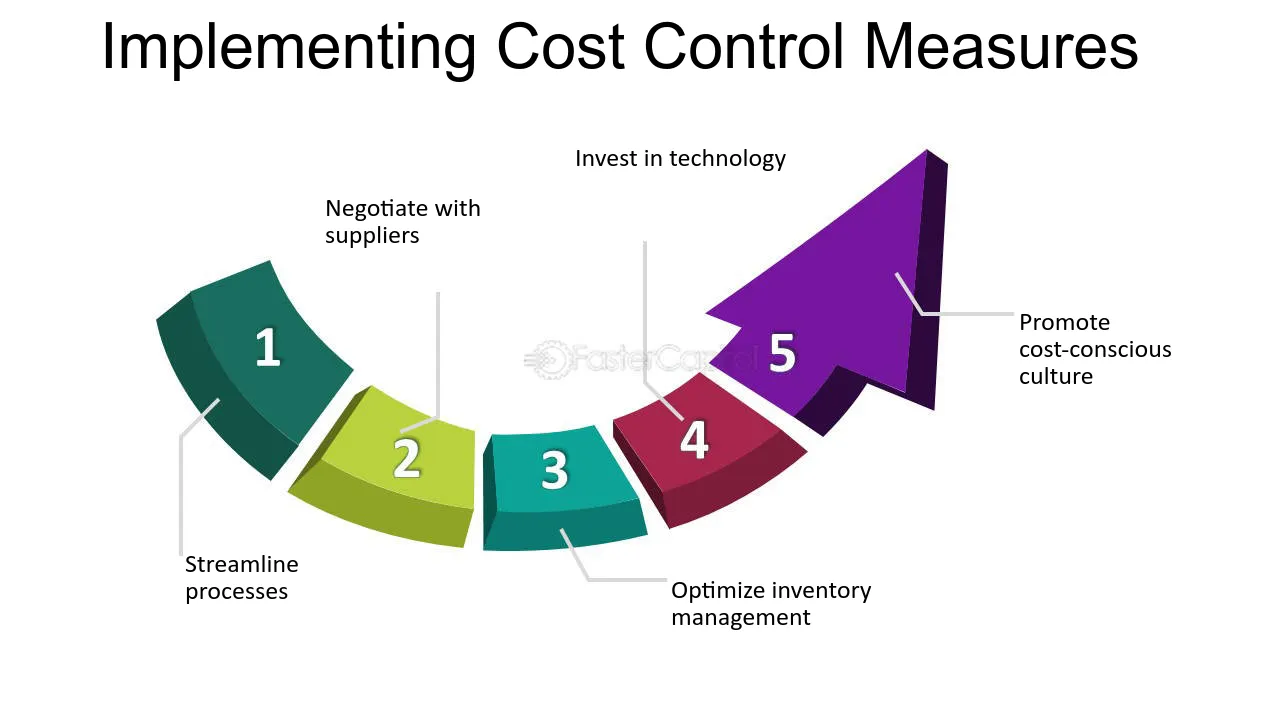
Pro tip: Create a “metric decision rule” for your next test. Example: if CPC rises by X% but conversion rate stays flat, pause or narrow targeting; if conversion rate rises but ROI dips, evaluate cost controls and landing page conversion value quality.
Conclusion: Turn Google Ads Metrics into Better Decisions
Google Ads Metrics reveal both opportunities and risks. When you track efficiency, effectiveness, and business impact together, you can confidently scale what works and fix what hurts ROI. The key is to connect numbers to actions: control costs, improve conversion rate, and keep landing pages aligned with ad promises. If you do that consistently, your Google Ads Metrics will become a practical decision tool—not just a dashboard you check without progress.
CTA: Review your latest campaign performance through this lens today, pick one failing metric to address first, and run a focused optimization cycle so your next report shows measurable improvement in Google Ads Metrics.
Frequently Asked Questions
Which Google Ads Metrics should I prioritize for PPC campaigns?
Prioritize Google Ads Metrics that connect traffic to outcomes: CTR (ad relevance), CPC (auction cost pressure), conversion rate (landing page and offer match), and conversion value/ROI (business impact). If you have lead-gen goals, also consider lead quality or downstream outcomes where available.
Why do my CTR and conversions move in opposite directions?
This usually happens when clicks increase but the traffic isn’t converting as expected. Common causes include broader targeting, ad copy that attracts users with different intent than your landing page matches, or landing page friction. Use Google Ads Metrics to verify the funnel: when CTR rises but conversion rate falls, treat it as an alignment problem (ad-to-landing or intent mismatch) rather than an issue with bidding alone.
How often should I check Google Ads Metrics, and what time window is best?
For most advertisers, a weekly review is a solid baseline, especially if the account is stable. If you’re running experiments, shifting budgets, or testing new ad groups, check more frequently (e.g., every few days) to catch performance degradation early. Use a consistent time window for comparisons so you don’t overreact to short-term fluctuations.