


1) What Is Google Ads Conversion Tracking Analytics?
Google Ads conversion tracking analytics is the measurement layer that shows which campaigns, keywords, and audiences drive valuable outcomes—sales, leads, calls, and sign-ups. When you connect Google Ads with GA4, you unlock end-to-end visibility: clicks → sessions → events → revenue.
Need help? Explore our digital marketing services for done-for-you tracking and analytics.
2) GA4 + Google Ads: Setup Checklist
- Link GA4 to Google Ads: In GA4, go to Admin → Product Links → Google Ads Links and connect your account.
- Enable auto-tagging: In Google Ads, turn on auto-tagging (GCLID) to preserve click data.
- Mark key GA4 events as conversions: In GA4, go to Admin → Conversions and toggle on your goal events (e.g.,
generate_lead,purchase). - Import to Google Ads: In Google Ads, open Tools & Settings → Conversions → New Conversion Action → Import → GA4.
- Verify firing: Use Tag Assistant and GA4 Realtime/DebugView to confirm events.

Reference: Import GA4 conversions into Google Ads
3) Enhanced Conversions, Consent Mode & Data Quality
- Enhanced Conversions: Securely send hashed first-party data (e.g., email) to improve match rates and reporting accuracy.
- Consent Mode: Adjusts tags based on user consent while modeling conversions where needed.
- Data Quality: Maintain consistent
event_parameters, clean URLs, and fullthank_youpage loads. Link Ads ↔ GA4 and Search Console.
Learn more: Enhanced conversions · Consent Mode in GA4
4) Attribution & Reporting That Matter
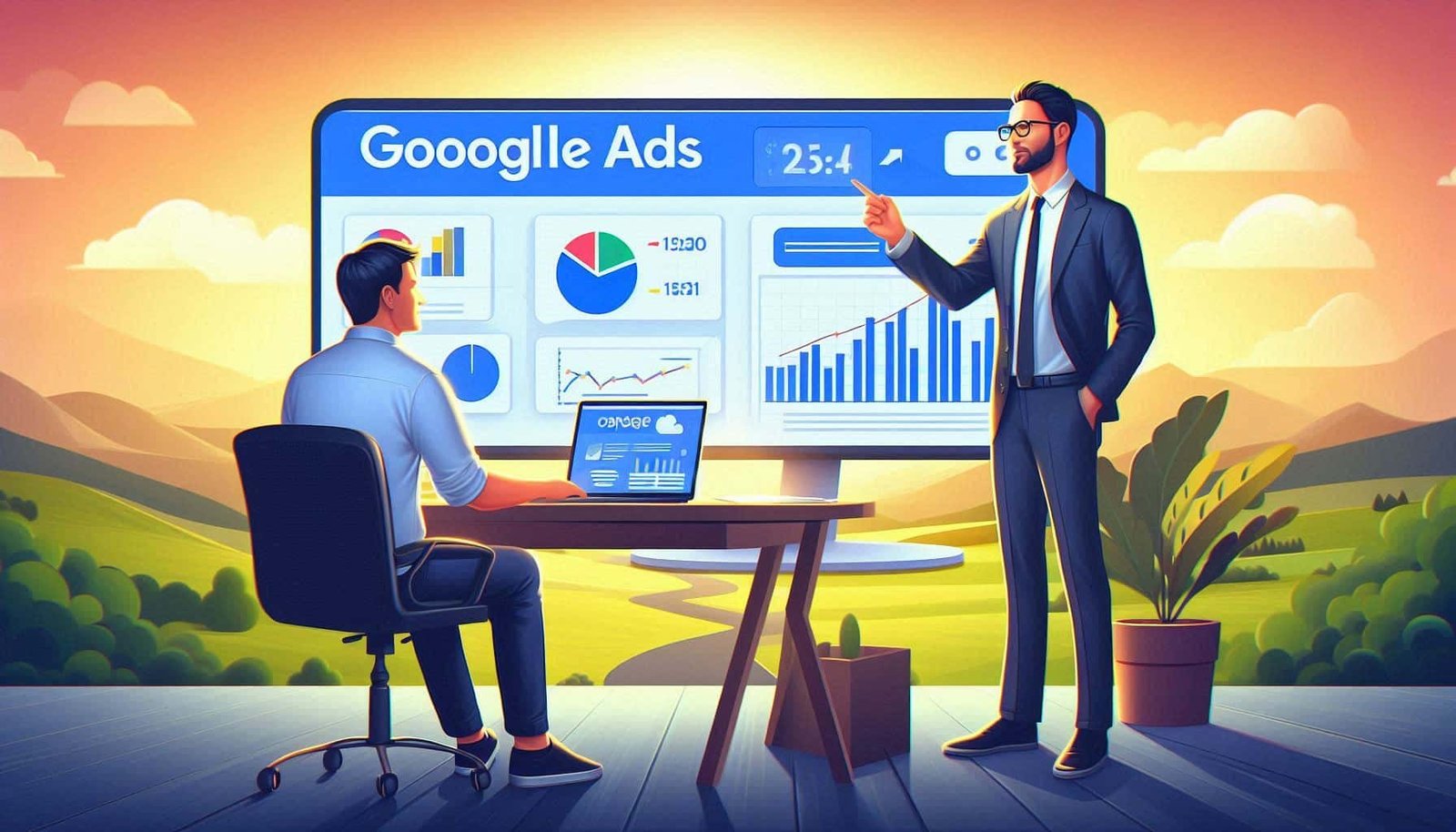
Once conversions are flowing, use these reports to analyze performance:
- Google Ads → Campaigns/Ad groups/Keywords: Track primary conversions and value by segment.
- GA4 → Advertising → Attribution: Compare models (data-driven, last-click, etc.) and view paths.
- GA4 → Explore: Build funnels: ad_click → session_start → view_item → add_to_cart → purchase.
More on attribution: GA4 Attribution · Google Ads attribution reports
5) Optimization Playbook (After Tracking Works)
- Switch bidding to Maximize Conversions or Target CPA/ROAS once you have stable conversion data.
- Segment by device, location, audience, and query to find profitable pockets; add negatives to cut waste.
- Feed better signals: improve landing speed, form UX, and checkout to raise conversion rate (which improves Smart Bidding).
- Use GA4 Audiences (e.g., cart abandoners, high-value users) and share them to Google Ads for remarketing.
Need advanced tuning? Our PPC management services combine analytics with creative testing for compounding gains.
6) Troubleshooting & Best Practices
- No conversions showing? Check import status, tag firing, and duplicate filters. Use GA4 Realtime/DebugView.
- Discrepancies? Compare attribution windows and models; ensure consistent currency/time zones.
- UTM hygiene: If auto-tagging is off, ensure consistent
utm_source=google,utm_medium=cpc,utm_campaign. - Privacy: Respect consent, use first-party data, and keep PII out of URLs.
7) Final Thoughts
With a clean Google Ads conversion tracking analytics setup and GA4 connected, you get reliable signals for Smart Bidding, clear attribution, and confident budget decisions. Measure accurately, optimize continuously, and let high-quality data compound your ROI.
Want hands-on implementation? Contact us for a custom tracking plan.