

Best Google Ads Script: Automate, Optimize, and Scale Your Campaigns in 2025
Best Google Ads Script: Automate, Optimize, and Scale Your Campaigns in 2025
Finding the best Google Ads script for your account can be the difference between manual, time-consuming work and a smart, automated system that optimizes your campaigns 24/7. Google Ads scripts allow you to use JavaScript to automate tasks, apply rules at scale, generate reports, and react to performance changes in real time—without needing expensive third-party tools.

In this guide, you’ll learn what makes a script truly “the best,” see examples of powerful automation ideas, and understand how to safely implement Google Ads scripts in your own account. Whether you’re managing one campaign or hundreds, scripts can save hours every week and improve your overall ROAS.
What Is a Google Ads Script?
A Google Ads script is a piece of JavaScript code that runs inside your Google Ads account. It can read performance data (impressions, clicks, conversions, costs) and then make changes based on logic you define. You can run scripts manually or schedule them to run hourly, daily, or weekly.
Common uses for Google Ads scripts include:
- Automatically pausing poor-performing keywords or ads.
- Adjusting bids based on device, time of day, or performance.
- Generating custom performance reports and emailing them to you or your clients.
- Checking tracking issues, disapproved ads, or broken URLs.
- Syncing budgets and bids with business rules (stock levels, lead capacity, etc.).
What Makes a Script the “Best” for Your Account?
There is no single universal best Google Ads script for every advertiser. The best script for you is the one that solves a real business problem and saves you time, money, or both. However, great scripts usually share a few key characteristics:
- Clear objective: The script focuses on one main goal—such as improving ROAS, protecting budget, or cleaning low-quality traffic.
- Safe guardrails: It has limits, thresholds, and checks to avoid making extreme changes by accident.
- Readable code: Simple structure and clear comments, so you or your team can adjust it later.
- Customizable settings: Easy-to-edit variables like minimum conversions, target CPA, or maximum bid changes.
- Detailed logging: It writes changes to logs or spreadsheets so you can review what happened.

1. Performance-Based Pausing Script
One of the best Google Ads script ideas for almost any account is a performance-based pausing script. This script scans your campaigns, looks at metrics like cost, conversions, and CPA, and pauses keywords or ads that are wasting budget.
Example logic:
- If a keyword spends more than $X and has zero conversions, pause it.
- If an ad has a CPA higher than your target for several days, pause it.
- If a search term consistently has a poor conversion rate, add it as a negative keyword.
This kind of script is particularly powerful in large accounts where manual pruning is impossible. By using clear thresholds, you can keep your traffic clean and focused on what actually converts.
2. Budget Protector Script
Another candidate for the best Google Ads script crown is a daily budget protector. Overspending can happen easily—especially on high-traffic days or when new campaigns go live.
What this script can do:
- Check today’s spend across selected campaigns or the whole account.
- If spend reaches a specified daily cap, pause certain campaigns or reduce bids.
- Send you an email alert when a threshold is reached.
This script acts like an emergency brake. Even if something goes wrong—like a misconfigured bid strategy or sudden spike in traffic—you can limit the damage automatically.
3. Broken URL & Disapproval Checker Script
Few things hurt performance more than sending traffic to broken pages or running disapproved ads without noticing. A simple yet extremely valuable Google Ads script can scan your active ads and:
- Test final URLs and pause ads with 404 or error pages.
- Log and email a list of problematic URLs.
- Flag disapproved ads or extensions for review.
This script doesn’t improve ROAS directly, but it protects your spend and ensures a smooth user experience—especially during site changes or migrations.
4. Bid Adjustment Script Based on Hour or Device
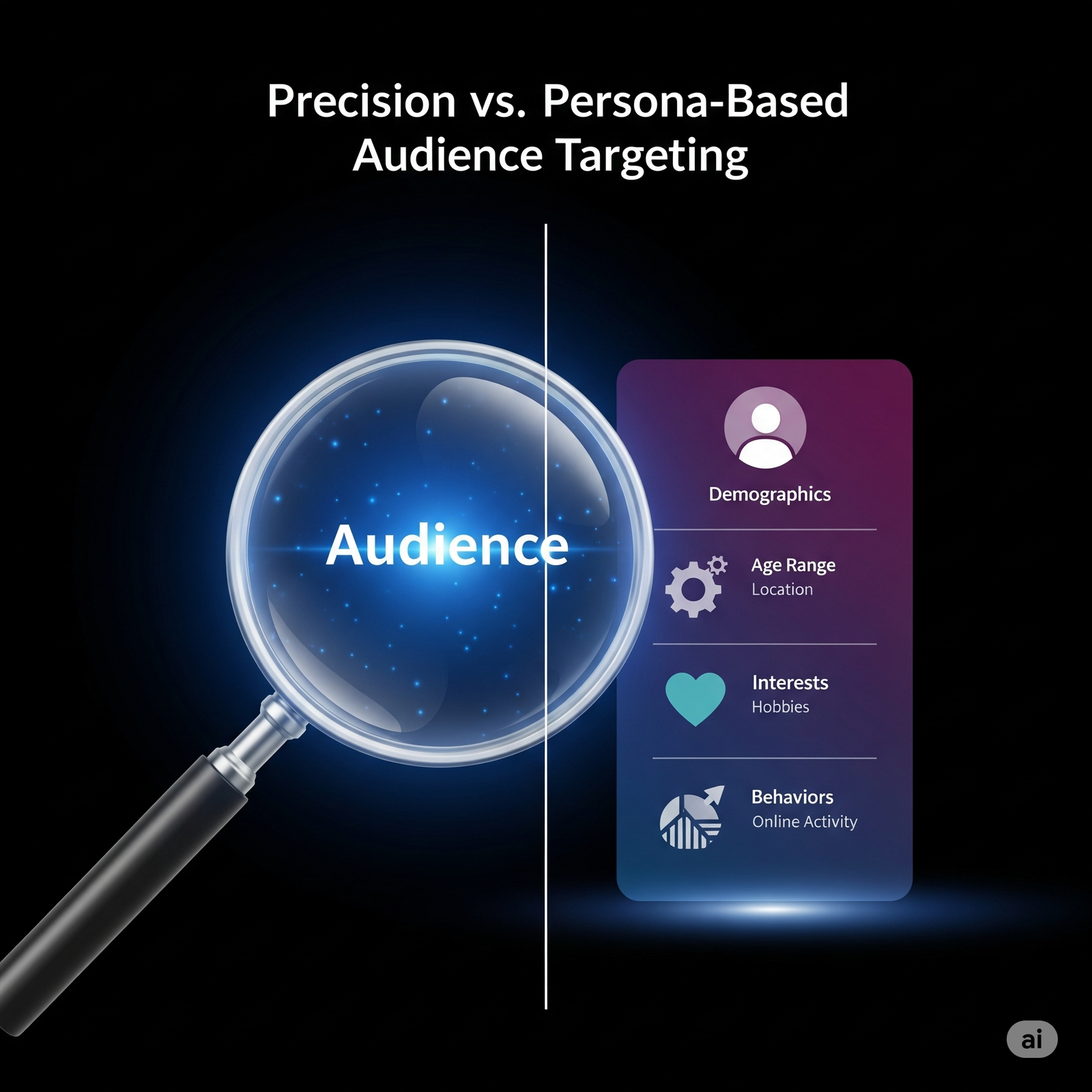
If your account has enough data, you’ll likely see patterns: certain hours, days, or devices convert better than others. A smart bid adjustment script can automatically increase or decrease bids based on these patterns.
Example use cases:
- Increase bids by 20% during peak hours when conversion rate is highest.
- Reduce bids on mobile if CPA is consistently higher than desktop.
- Lower bids on weekends if your sales team is offline and lead quality drops.
This kind of automation helps you pay the right price at the right moment, instead of using the same bid levels 24/7.
How to Safely Use the Best Google Ads Script for Your Account
Even the best Google Ads script can cause problems if used carelessly. Follow these steps to stay safe:
- 1. Test in preview mode: Always run the script in preview to see what changes it would make without applying them.
- 2. Use labels: Apply labels to campaigns, ad groups, or keywords that you want the script to manage. This prevents accidental changes to everything.
- 3. Set conservative thresholds: Start with strict limits (e.g., higher spend before pausing a keyword) and relax them over time.
- 4. Log everything: Write changes to a Google Sheet so you can roll back if needed.
- 5. Review regularly: Check script results weekly and refine conditions as your strategy evolves.
Final Thoughts: Your Best Google Ads Script Is the One You Actually Use
There are countless templates and ideas online, but the best Google Ads script is the one that matches your goals and runs consistently in your account. Start with simple scripts—like performance-based pausing, budget protection, and broken URL checks—then gradually move to more advanced bid and reporting automations.
By embracing scripts, you stop reacting manually to every small change and start managing your account at a strategic level. Automation handles the routine adjustments, while you focus on creatives, offers, and overall strategy—the real drivers of long-term success.